
Free
Free piano tools
Printable exercises, worksheets, a piano in your browser and a metronome – all free, no account needed. For you, your students or your kids.
- Free
- No account
- Printable
- In your browser

Piano worksheets
Ten printable worksheets: major and minor chords, scales with fingering, keyboard chart, note reading, circle of fifths and a practice plan.
OpenSight-reading generator
Choose clef, key, time signature and difficulty – a new melody to sight-read every time. Print it or save it as a PDF.
OpenABRSM Grade 1–5 exercises
One page per grade with what the test typically asks for, a practice routine and exercises set to that level.
OpenNote-naming worksheets
Printable worksheets for treble and bass clef in three levels, plus a step-by-step plan for teaching kids to read notes.
OpenVirtual piano
A piano in your browser – play with mouse, computer keyboard or a connected MIDI keyboard, nothing to install.
OpenOnline metronome
An accurate metronome with steady timing, right in your browser – no download, no sign-up.
Open
For teachers
Print any exercise or worksheet and use it in lessons or as homework. Every click creates a new sheet, so you never run out of material.
Want feedback on every note?
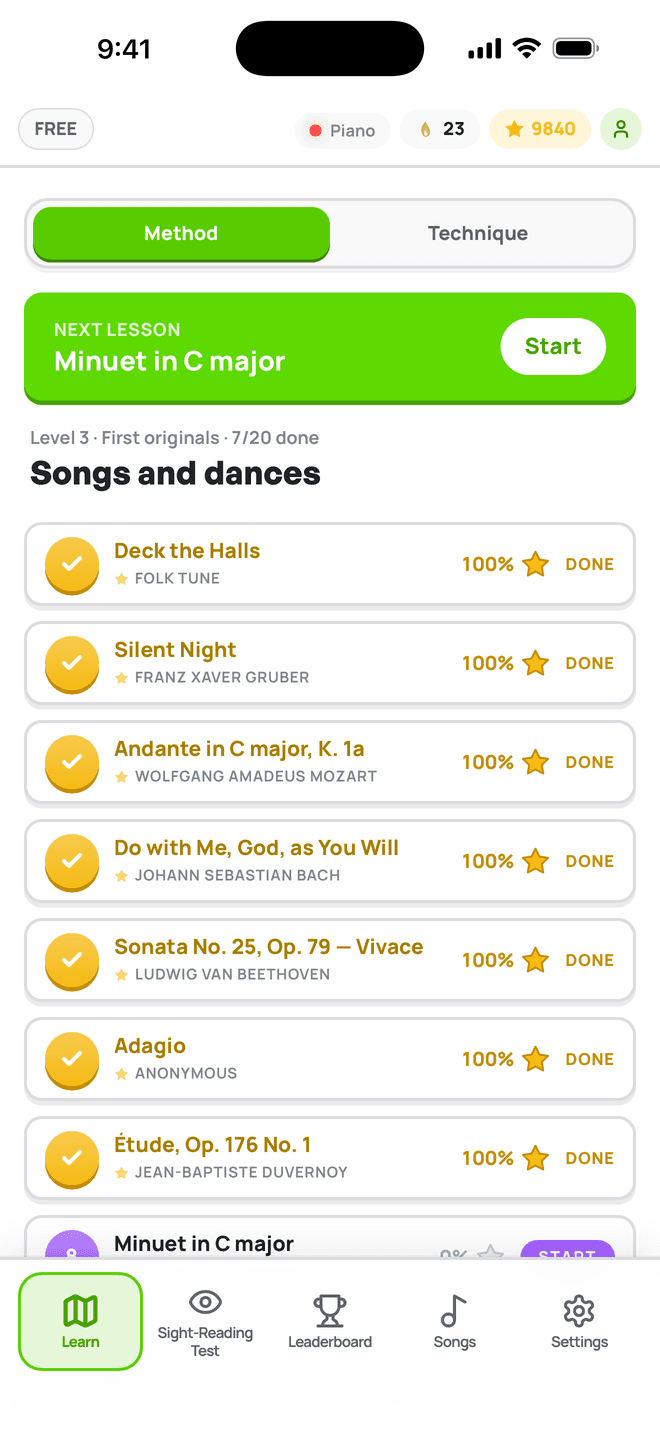
These tools are a small part of Notimo. In the app you play on a MIDI keyboard or the on-screen piano and get instant feedback on every note – with 1,200+ lessons from your first note to fluent sight-reading.
Frequently asked questions
Are these tools really free?
Yes. Every tool on this page works without an account and without a trial.
Can I use the sheets with my students?
Yes. Print the exercises and worksheets as often as you like and use them in lessons, at a music school or at home.
Do I need a keyboard?
No. The worksheets work on paper, and the virtual piano works with your mouse or computer keyboard. You can connect a MIDI keyboard, but you don’t have to.
Read music with instant feedback
Free to start, right in your browser — on your MIDI keyboard or the on-screen piano.